Back to Blog
Comparison
Soma vs Manual Meta Ads Manager
What changes when you stop launching ads by hand.
How Most Teams Launch Ads Today
01Open Ads Manager
02Create new ad
03Select campaign
04Select ad set
05Upload creative
06Configure placement
07Write or paste ad copy
08Name the ad
09Publish
↺Repeat for every ad
What That Costs
6h 40m
per week at 100 ads
26+ hours
per month at 400 ads
At 4 minutes per ad. That's before any strategy, testing analysis, or creative ideation.
Side-by-Side Comparison
| Manual Ads Manager | Soma | |
|---|---|---|
| Time per ad | ~4 minutes | ~24 seconds |
| Bulk launching | ✗ | ✓ |
| Persistent settings | ✗ | ✓ |
| Google Sheets import | ✗ | ✓ |
| Auto placement mapping | ✗ | ✓ |
| Auto naming | ✗ | ✓ |
| Multi-campaign launch | ✗ | ✓ |
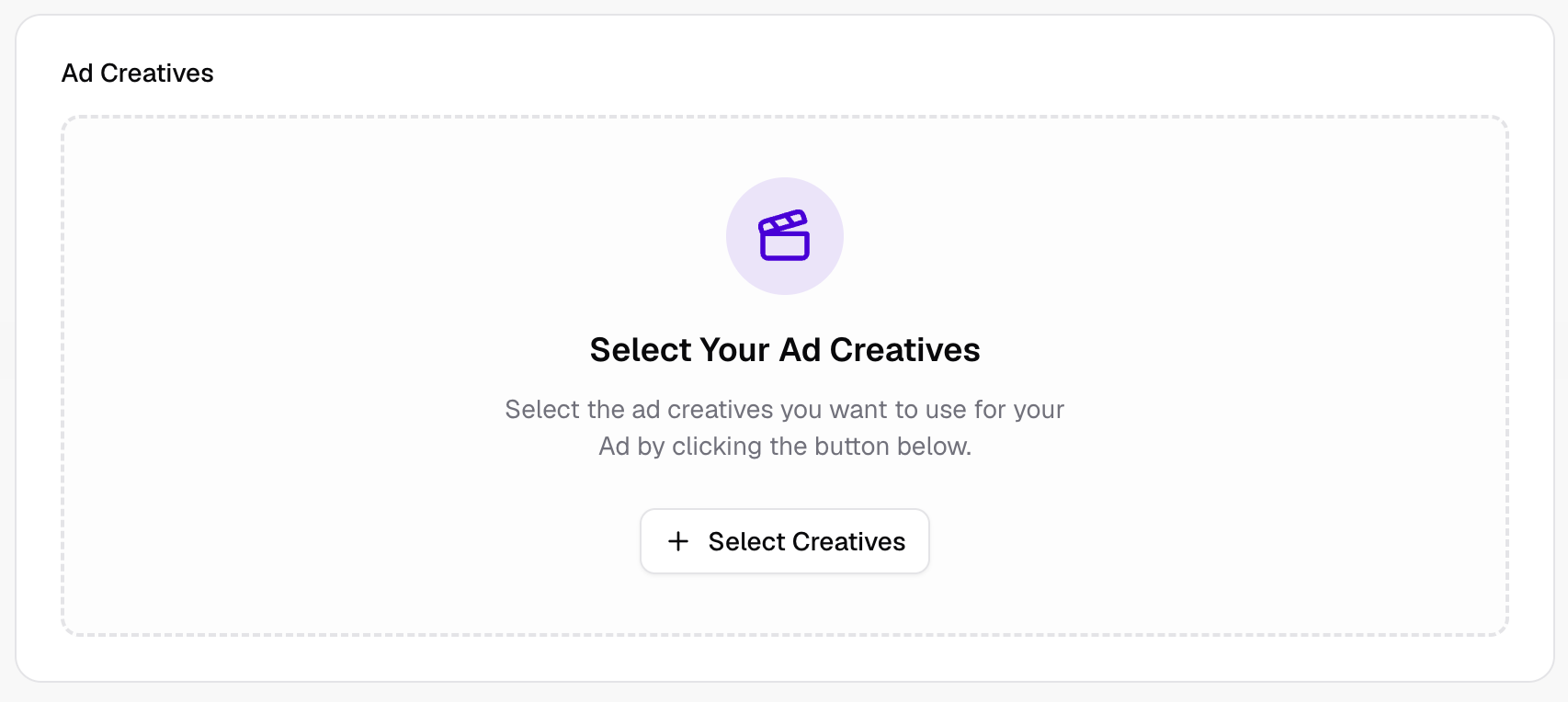
Where Soma starts — one click to import all your creatives at once
What Changes With Soma
The same workflow that took hours now takes minutes. Setup is done once, not per-ad. Teams launch more ads in less time and spend the saved hours on what actually moves performance.
When Manual Still Makes Sense
If you're launching fewer than 10 ads per week, the manual workflow in Ads Manager is probably fine. Soma is built for teams operating at higher volume.