What Is Spreadsheet-Based Ad Launching
Managing and launching ads from a spreadsheet interface rather than inside Ads Manager. Useful for teams that prefer structured, bulk workflows, especially when planning many ad variations before launch.
Why Teams Use Spreadsheets For Ad Ops
Spreadsheets make it easy to manage large numbers of ads, copy variations, and creative combinations in one place before launching. Most teams already plan in sheets. Soma meets them there.
How Soma's Sheets Launcher Works
1Build your ad list in a spreadsheet-style layout inside Soma
2Import directly from Google Sheets
3Configure each ad row
4Launch all in one click
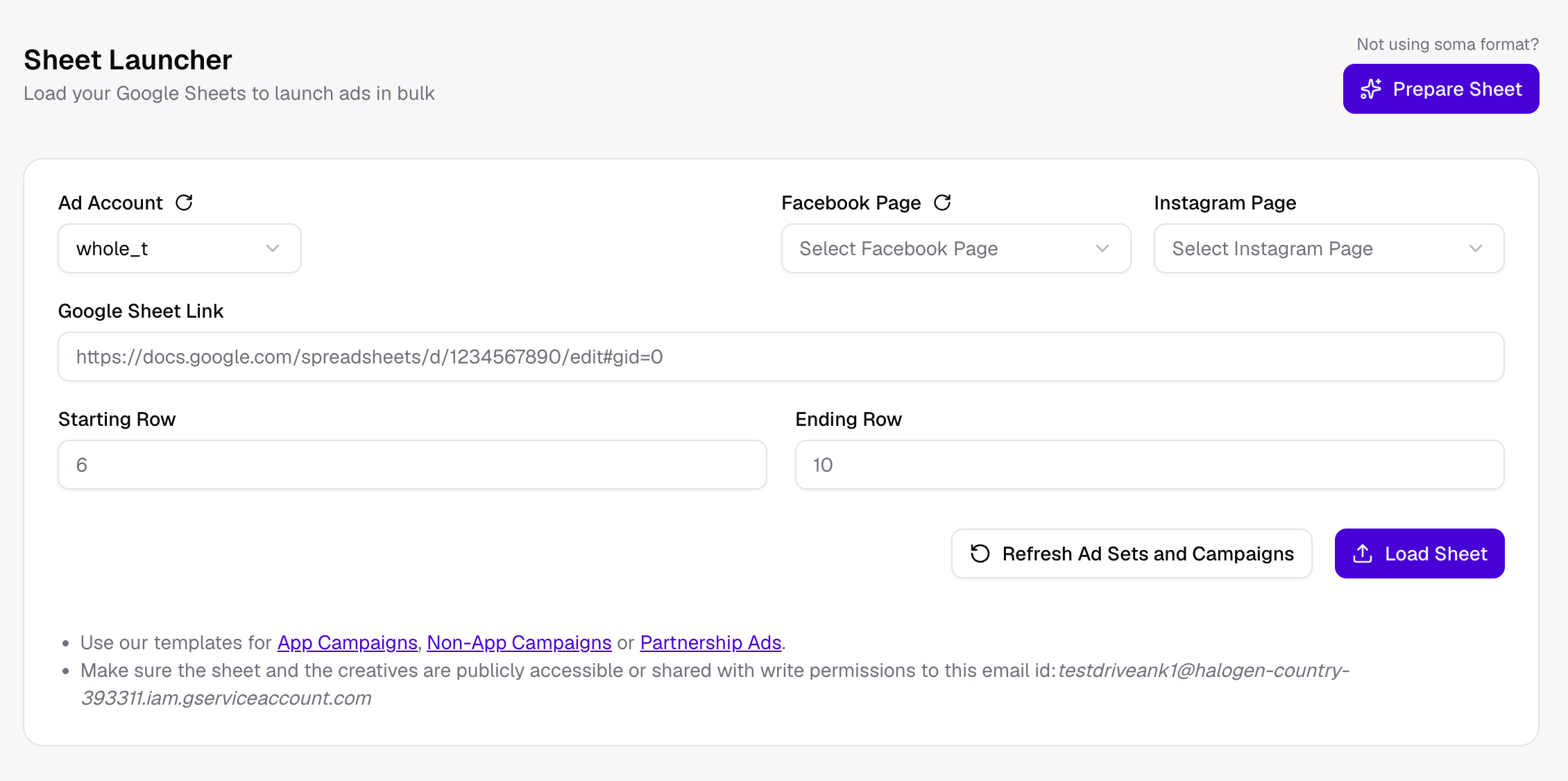
Soma's Sheet Launcher — paste a Google Sheets link, set row range, and launch
Who This Is For
Teams running high creative volume
Agencies managing multiple clients
Anyone who already plans ads in spreadsheets before launching
Where Soma Fits
Soma's Sheets Launcher brings spreadsheet-style control directly into the ad launch workflow, without copy-pasting between tools.